What Is an AI-Powered Virtual Classroom?
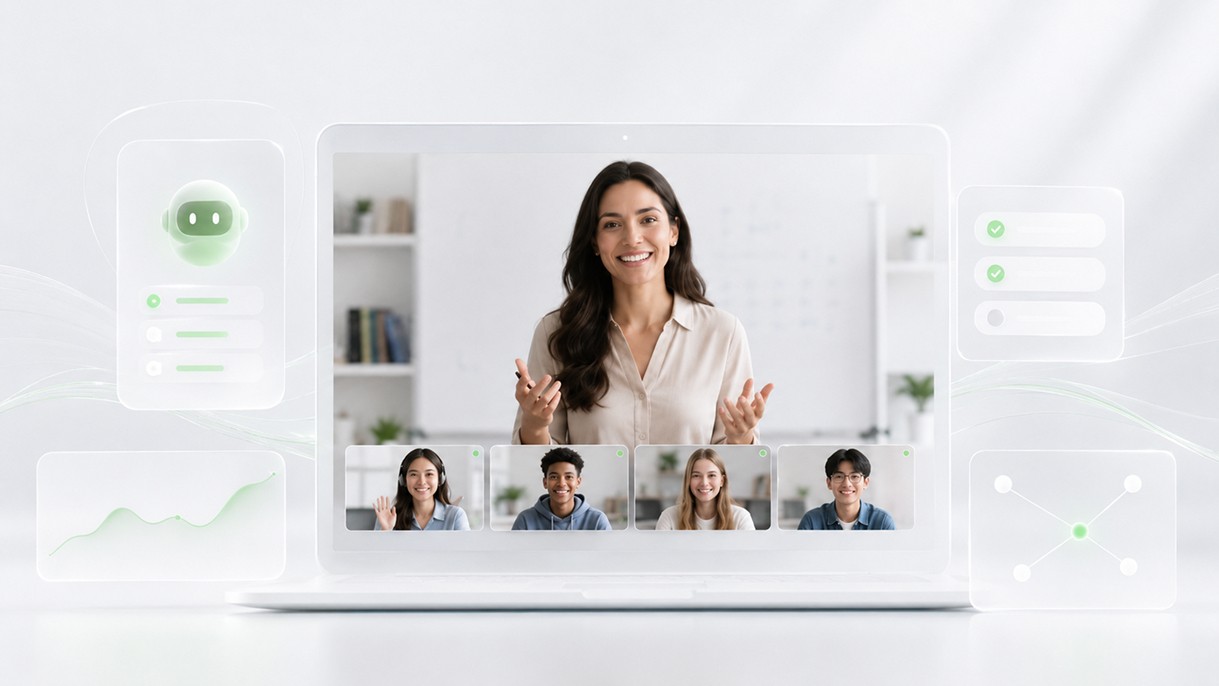
The phrase "AI-powered" has been attached to so many products in the last few years that it's stopped meaning much. Add it to anything and it sounds more capable, more modern, more worth paying for.
So when someone describes a virtual classroom as AI-powered, it's reasonable to ask: what does that actually mean? What is the AI doing? Is it doing something genuinely useful, or is it a feature that looks impressive in a demo and gets ignored in practice?
The honest answer is that AI in a live learning environment has a narrow but meaningful role. It's not going to teach your students. It's not going to replace experienced instructors. But applied correctly, it removes real friction from real workflows -- and that matters more than it might initially sound.
What AI Actually Does in Online Learning
Most AI applications in education fall into one of two buckets: things that help before or after the session, and things that work during it.
The before-and-after bucket is where AI has the clearest, most reliable impact right now. Summarizing session content, generating progress notes, flagging patterns in student attendance or performance -- these are tasks that used to require human time and attention, and AI handles them well because they're text and data processing problems.
The during-session bucket is more limited, but still useful. Live captions, real-time transcription, attention signals, comprehension tracking through polls and checks -- AI can surface and process information that would otherwise be invisible or require an instructor to split their attention.
What AI doesn't do, at least not usefully, is teach. It can't read a confused student's face and find a new way to explain a concept. It can't judge whether a student is having an off day or genuinely struggling with the material. It can't build the kind of trust that makes a student feel safe asking a question they think is stupid.
Those are human things. And in a good AI-powered virtual classroom, the technology is designed to protect the space for those human things to happen -- not crowd them out.
AI Features That Help Teachers Operationally
The most underrated AI applications in live learning are the ones that reduce instructor overhead without touching the actual teaching.
Think about what a typical instructor has to manage during a live session. They're explaining content, watching for confusion, managing participation, keeping time, handling technical issues, and mentally noting what happened so they can write it up afterward. That's a lot of parallel processing for one person.
AI can take several items off that list.
Automated attendance tracking is basic, but it matters. If the system knows who joined, when, and for how long -- without the instructor having to manually note it -- that's one less thing pulling focus away from the students.
Participation prompts and engagement signals give the instructor ambient data without requiring active monitoring. A sidebar showing which students have been quiet for an extended period, or flagging that engagement has dropped since the last checkpoint, is a nudge rather than a dashboard to manage. The instructor decides what to do with it.
Session timing and phase transitions can be nudged by AI rather than left entirely to the instructor. If a lesson plan specifies 15 minutes for a concept review, a quiet alert when that window is closing helps instructors stay on track without watching a clock.
None of these features are particularly dramatic. But collectively, they shift the cognitive load from the instructor to the platform -- which is exactly where it should be.
AI-Generated Summaries and Recaps
After a session ends, someone has to document what happened.
In most tutoring companies and online schools, that job falls to the instructor. They write a note -- often quickly, often vaguely -- about what was covered, how the student performed, and what needs to happen next. That note gets sent somewhere, or doesn't. A parent might receive it a day later, or not at all.
AI-generated session summaries change that workflow substantially.
When a session is transcribed in real time, AI can produce a structured recap automatically: topics covered, key moments, student responses, action items for next time. The instructor reviews it, edits if needed, and approves it. What used to take ten minutes of writing after an already tiring session takes thirty seconds of review.
This matters for a few reasons.
Consistency goes up. When summaries are generated from actual session data rather than instructor memory, they're more accurate and more uniform. A parent receiving a post-session note can trust that it reflects what actually happened.
Turnaround time drops. Automated summaries can go out the same day, often within minutes of a session ending. That's a better parent experience and a lighter administrative burden for the operations team.
Instructor time is returned. Fifteen minutes of post-session admin per session adds up fast. Across a team of ten instructors running four sessions a day, that's nearly 700 hours a month. AI recaps don't eliminate all of that, but they compress it significantly.
The key design principle here is that AI generates and humans approve. The instructor's voice and judgment remain in the output. AI is handling the transcription and structural work; the instructor is handling the accuracy and tone. That division makes sense.
Live Captions and Accessibility
Live captions are one of the clearest examples of AI doing something in real time that would otherwise require significant resources or simply not happen.
For students with hearing difficulties, captions aren't a convenience -- they're a prerequisite for participation. For students learning in a second language, captions reduce the cognitive load of parsing unfamiliar pronunciation while also processing new content. For anyone in a noisy environment or dealing with audio issues, captions provide a fallback that keeps them in the lesson.
Modern AI captioning is good enough to be genuinely useful across most languages and accents. It's not perfect. Technical vocabulary, proper nouns, and fast speakers still cause errors. But the error rate is low enough that captions add accessibility without creating confusion.
There's also a secondary benefit: captions feed into transcripts, which feed into summaries, which feed into the data layer that makes everything else possible. Live captioning is not just an accessibility feature. It's infrastructure.
For education operators building platforms for diverse student populations, or for any organization with a genuine commitment to accessibility, live captions should be a baseline expectation of any AI-powered virtual classroom -- not an upgrade tier.
AI for Student Progress Visibility
One of the harder problems in online education is knowing how a student is actually doing across time, not just within a single session.
A student might perform well in one lesson and struggle in the next. An instructor who teaches that student four times a week has a feel for the patterns. An instructor who sees them once a week might not. And an operations team managing a hundred students across fifteen instructors almost certainly doesn't.
AI can help make those patterns visible.
When session data is consistently captured -- attendance, engagement signals, comprehension check results, session notes -- AI can surface trends that would otherwise require someone to manually review a lot of records. A student who has missed three of the last five sessions. A student whose comprehension check scores have dropped over the past two weeks. A student who was highly engaged in the first month and is now consistently quiet.
These are signals that a good tutor would notice. But at scale, no human system reliably catches all of them. AI monitoring doesn't replace the tutor's relationship with the student. It makes sure the signals reach the right person before the situation becomes a problem.
For tutoring companies and online schools, this kind of visibility is also a product differentiator. Being able to tell a parent: "We noticed your child's engagement dropped over the last two weeks, so we've adjusted the approach" is a fundamentally different service than the alternative.
What AI Should Not Replace
It's worth being direct about the limits.
AI should not replace the instructor's relationship with the student. The rapport between a teacher and a learner is not a workflow problem. It's the thing that makes students willing to ask questions, admit confusion, and try again after getting something wrong. No AI feature improves that. The best technology can do is give instructors more time and attention to invest in those relationships.
AI should not replace human judgment in curriculum decisions. An AI system can flag that a student has missed several sessions or scored poorly on comprehension checks. It cannot determine whether the right response is to slow down, change the approach, or have a conversation about what's happening in the student's life. That requires a person.
AI should not be used to monitor students in ways that feel intrusive or punitive. Attention tracking and engagement signals are useful when they give instructors better ambient awareness. They become counterproductive when they're used to evaluate students in ways they don't understand or consent to.
The right frame for AI in education is: what can it do that would otherwise go undone because a human doesn't have the bandwidth? Session summaries going unwritten. Progress patterns going unnoticed. Captions not existing. Those are the gaps AI fills well.
Where a human is already doing something and doing it well, AI shouldn't get in the way.
Final Thoughts
An AI-powered virtual classroom, done properly, is not a classroom where AI is the teacher. It's a classroom where AI handles the work that shouldn't require a teacher -- so the teacher can do the work that only they can do.
That's a practical, meaningful distinction. And it's the one that separates useful AI implementation from feature theater.
The organizations getting this right are the ones that started by asking operational questions rather than technology questions. Where does instructor time get wasted? Where does information fall through the cracks? Where are we failing to notice things we should be noticing? AI answers those questions. The technology follows from the problem, not the other way around.
Platforms like HiLink are built with this operational framing in mind. As AI-powered virtual classroom infrastructure, HiLink integrates session transcription, automated summaries, engagement signals, and progress tracking as part of the core platform -- not as bolt-on features, but as the connective tissue between sessions, instructors, and the data that makes a learning operation actually manageable.
The goal was never to make online learning feel more like a sci-fi movie. The goal is to make it work better, for everyone involved.
That's what AI in a virtual classroom should do. And it's enough.