What Is a Virtual Classroom System?
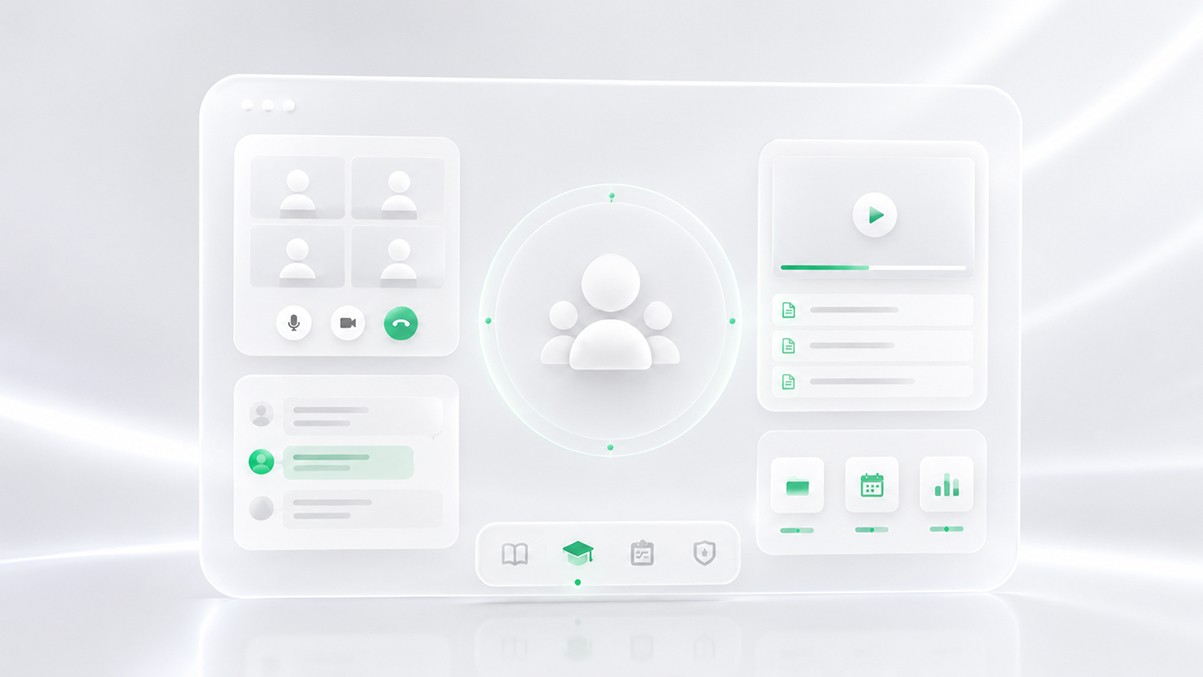
If you've ever tried to run live online lessons through a standard video conferencing tool, you already know the feeling. The technology works. But something is still off.
Students drop in and out. You can't tell who's paying attention. Your instructor has no easy way to hand off control to a co-teacher. Session notes live in someone's email. And when you try to scale from 10 classes a week to 100, the whole operation starts to crack.
That's the gap a virtual classroom system is designed to close. It's not just about getting video to work. It's about building a learning environment that actually holds together operationally -- at any scale.
Why Online Learning Needs More Than Video Calls
Most video tools were built for communication. A sales call, a team standup, a client meeting. They solve the problem of getting people in the same digital room.
Education has a different set of problems.
Teaching requires structure. A lesson has stages: a warm-up, instruction, practice, feedback, wrap-up. Students need different kinds of attention at different times. Some need to be pushed. Others need to be slowed down. Progress has to be tracked, reported, and acted on.
None of that comes standard with a video meeting tool.
When tutoring companies and online schools try to build on top of generic communication platforms, they end up creating workarounds. A spreadsheet here to track attendance. A separate tool for homework. Another one for payments. A third for session notes. The instructor is expected to manage all of it manually while also trying to teach.
The result is a fragile stack that breaks when you try to grow it.
A virtual classroom system approaches this differently. Instead of treating video as the core product and building everything else around it informally, it treats learning operations as the core product -- and video as one component within that.
Core Components of a Virtual Classroom System
A real virtual classroom system has layers. Understanding what those layers are helps explain why the category exists separately from video conferencing.
Session infrastructure. This includes the actual video and audio layer, but also things like session scheduling, room management, waiting rooms, session recording, and controlled access for students and instructors. It sounds basic. But when you're running hundreds of sessions simultaneously across different time zones, even small gaps in this layer create real operational problems.
Participant management. Who is in the session, in what role, with what permissions. Can a student share their screen? Can a co-teacher take over? Can a teaching assistant mute participants? These controls matter in an educational context far more than in a standard meeting.
Engagement tools. Whiteboards, polls, annotation, breakout rooms, hand-raising mechanics. These aren't features for their own sake. They exist because passive video watching is not learning. Students need structured ways to interact with content and with the instructor.
Session data and analytics. Who attended? For how long? How engaged were they? Did the instructor complete the planned curriculum? A virtual classroom system captures this data systematically, so it's available for review, reporting, and improvement.
Workflow integration. A virtual classroom doesn't exist in isolation. It connects to scheduling systems, CRMs, payment tools, LMS platforms, and communication channels. A proper system makes those connections intentional rather than cobbled together.
Features That Actually Improve Learning
Not every feature in a virtual classroom system improves outcomes. Some are just checkboxes. But a few categories matter a lot.
Structured session flows. The ability to move a class through defined stages -- with instructor cues, timers, and participant state changes -- keeps lessons coherent. An experienced teacher does this naturally in person. In a virtual environment, the platform should support it.
Real-time visibility for instructors. Can the teacher see at a glance which students are engaged, which ones have gone quiet, which ones have their hands up? This kind of ambient awareness is natural in a classroom. It disappears in a grid of video thumbnails unless the platform is designed to surface it.
Session recording and review. Not for surveillance, but for accountability and improvement. Students who miss a session should be able to catch up. Instructors should be able to review what worked and what didn't. Operators should be able to audit quality at scale.
Automated session summaries and notes. AI can help here, but in a specific and useful way: capturing what happened, what was covered, what the next steps are. Not replacing the teacher's judgment, but reducing the administrative burden so the teacher can focus on actually teaching.
Operational Challenges in Online Education
Here's a scenario that plays out regularly at growing tutoring companies and online schools.
Before: A company is running 50 sessions a week. Scheduling is handled in a shared calendar. Sessions happen over a general-purpose video platform. Instructors send post-session notes via email. Attendance is tracked manually in a spreadsheet. Students and parents get follow-up from an operations person who has to check three different places before sending anything.
The system works, kind of. But it only works because someone is holding it together by hand.
After: The company wants to grow to 500 sessions a week. Suddenly, everything that was managed informally needs to be systematic. Who gets assigned to which student? How does the system know if an instructor no-shows? How does a parent get automated updates without the ops team having to touch every session? How does leadership see session quality across the whole business?
Without the right infrastructure, the answer to all of these questions is "hire more people to manage it manually." That's expensive and doesn't scale.
A virtual classroom system shifts that equation. When session data is captured automatically, workflows are built into the platform, and reporting is available in real time, operators can manage more sessions with the same team. The platform does the coordination work that was previously done by hand.
This is the operational case for purpose-built virtual classroom infrastructure, and it's often more compelling than any individual feature.
Virtual Classroom Systems vs Generic Communication Tools
The differences between a dedicated virtual classroom system and a general video tool aren't always visible on the surface. Both have video. Both have chat. Both let you share your screen.
The gap shows up in three areas.
Education-specific structure. A generic tool gives you a room. A virtual classroom system gives you a session -- with roles, stages, permissions, and data capture built in. That structure is not a cosmetic difference. It's the thing that makes the session teachable and the operation manageable.
Operational data. General video tools generate very little usable data about learning. A virtual classroom system tracks attendance, engagement signals, session completion, curriculum coverage, and instructor performance. That data is what allows an education operator to actually manage quality rather than just hoping things are going well.
Scalability without chaos. When you're running 10 sessions a week, almost anything works. When you're running 1,000, you need infrastructure. Generic tools hit a ceiling fast, because they weren't designed with high-volume educational operations in mind. A virtual classroom system is built for that volume from the start.
There's also a subtler difference in where the burden falls. With generic tools, the instructor or administrator absorbs most of the operational complexity. With a purpose-built virtual classroom system, the platform absorbs it.
What Modern Education Organizations Need
The bar for virtual classroom infrastructure has risen. Students and parents expect reliability, communication, and consistency. Instructors expect tools that help them teach rather than getting in the way. Operators expect systems that give them visibility and control without requiring constant manual intervention.
Meeting those expectations requires thinking about the platform layer carefully.
For tutoring companies, the priority is usually operational efficiency at scale: scheduling, session tracking, instructor management, and parent communication.
For EdTech founders building education products, the question is often whether to build the classroom layer themselves or use infrastructure that already exists. Building it from scratch is possible, but it's a significant engineering investment in an area that isn't core to most education products.
For online schools and institutions, the needs include compliance, accessibility, integration with existing systems, and the ability to support many different course formats under one roof.
Across all of these, the common thread is the same: education organizations need more than a video call. They need a system.
Platforms like HiLink are built specifically for this. Rather than adapting a communication tool for education use, HiLink is designed as virtual classroom infrastructure from the ground up -- with an API-first architecture that lets education operators and platform builders integrate session management, engagement data, and learning workflows into their existing products without rebuilding everything from scratch.
Final Thoughts
A virtual classroom system is not a premium version of a video meeting. It's a different kind of tool, built for a different set of problems.
The problems it solves are operational: how do you run structured, consistent, high-quality learning sessions at scale, with real visibility into what's happening and real integration with the rest of your education business?
Video is part of the answer. But only part.
If you're building or running an education operation and finding that your current tools require too much manual effort to hold together, that's usually a sign that you're using communication infrastructure where you need learning infrastructure.
The distinction matters. And getting it right makes everything else easier to build on.