Features Every Virtual Classroom Platform Should Have
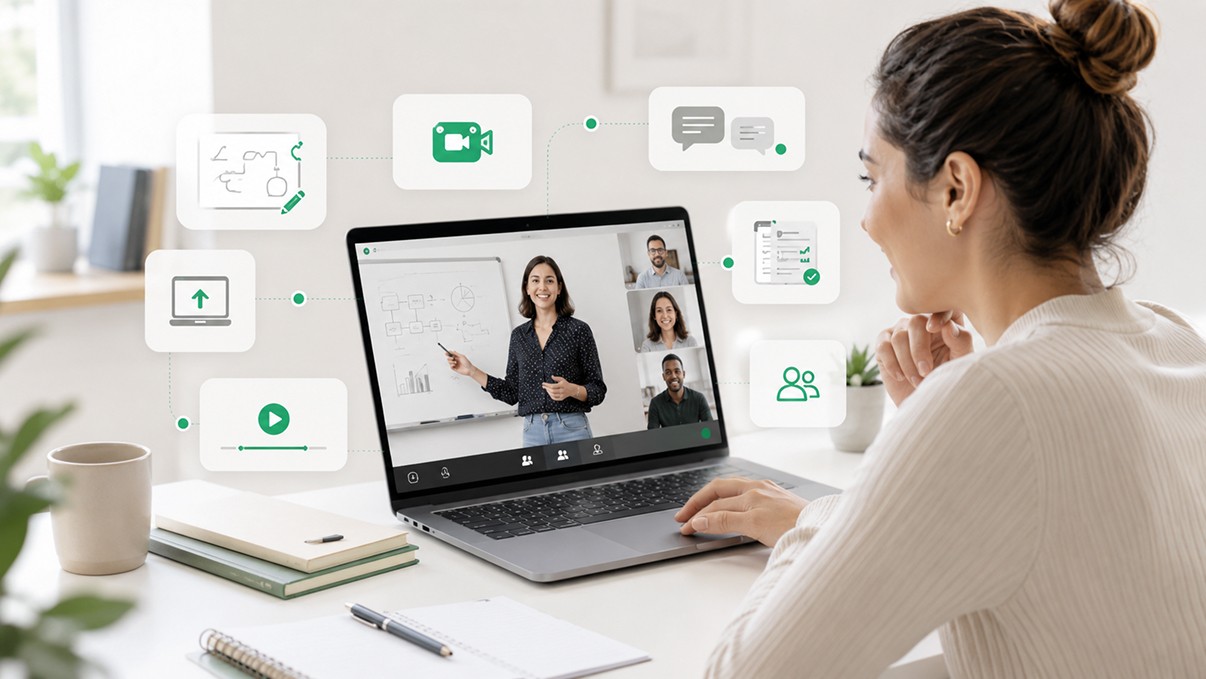
Feature lists are easy to write and nearly useless to read. Every virtual classroom platform has a features page. Most of them look roughly the same.
The more useful question isn't which features exist -- it's which features actually change outcomes, and why. What does a whiteboard accomplish that a screen share doesn't? Why does attendance data matter if no one is acting on it? When does an integration become infrastructure rather than a convenience?
This article goes through the core features of a virtual classroom platform with that lens. Not a checklist, but an explanation of what each capability is actually for and what it looks like when it works versus when it's just there for the demo.
Real-Time Collaboration Tools
Collaboration tools in a virtual classroom serve a specific purpose: they make thinking visible.
In a physical classroom, a teacher can walk around the room and see what students are writing, watch them work through a problem, and catch misunderstandings before they harden into wrong conclusions. That kind of ambient visibility disappears in an online environment unless the platform is deliberately designed to recreate it.
Real-time collaboration tools -- shared documents, simultaneous editing, live response submissions -- give instructors a window into student thinking during the session, not just after it. A student who appears engaged on camera might be completely lost. A student who looks distracted might be processing intensely. The only way to actually know is to see the work happening.
For these tools to matter operationally, they need to be low-friction. If a student has to navigate menus, download something, or switch windows to participate, most of them won't. The best collaboration features live inside the session itself, require one click to activate, and produce output the instructor can see immediately.
The standard to hold any virtual classroom platform to: can an instructor meaningfully assess student understanding during the session, not just at the end of it?
Whiteboards and Interactive Learning
The whiteboard is one of the most underestimated features in virtual classroom design.
Done well, it's not a novelty. It's the closest thing online learning has to the physical act of showing your work. A student annotating a diagram, solving an equation step by step, or highlighting parts of a passage in real time gives the instructor far more information than a verbal answer does. The process is often more revealing than the result.
For instructors, a whiteboard that supports annotation, layering, and multi-participant input lets them do things that a slide deck can't. They can respond to a student's specific confusion by drawing on top of shared content. They can work through a problem collaboratively rather than just presenting a solution. They can make the lesson dynamic rather than linear.
The technical bar for whiteboards has risen significantly. Latency is the enemy -- a whiteboard with perceptible lag breaks the experience of real-time collaboration. Persistence matters too: if a whiteboard disappears when a session ends, it loses a lot of its value as a reference and review tool.
A virtual classroom platform that treats the whiteboard as a serious teaching tool, not a checkbox, will have invested in low-latency rendering, multi-participant input with clear visual attribution, and session-level persistence so instructors and students can return to what was created.
Recording and Playback Systems
Session recording is standard. But the way recording is implemented varies enormously, and those variations have real operational consequences.
The baseline expectation: sessions should record automatically, without requiring the instructor to remember to start anything. Manual recording creates missed sessions, creates liability when parents expect recordings that don't exist, and adds one more thing to the instructor's mental load.
Beyond that baseline, what a recording system does with the footage matters. A raw video file is better than nothing, but it's hard to navigate, hard to clip, and hard to act on. Better recording systems produce timestamped transcripts alongside the video, so students can search for specific moments rather than scrubbing through an hour of footage. Even better systems use the transcript to feed downstream features: AI summaries, curriculum coverage logs, searchable session archives.
Playback should be accessible within the platform itself, not buried in a shared drive or requiring a download. Students who miss a session should be able to access the recording without emailing anyone. Parents who want to review a lesson should be able to do so without calling support. That accessibility is partly a product design choice and partly an infrastructure one.
One thing worth considering: recording consent and compliance. An education platform serving minors or operating in regulated markets needs recording workflows that handle consent systematically, not informally. This should be built into the platform's enrollment and session flow, not managed by individual instructors on an ad hoc basis.
AI-Powered Recaps and Summaries
Session summaries have always been worth doing. Most education operations don't do them consistently, because writing a useful summary after every session is time-consuming and the time usually doesn't exist.
AI changes that calculation in a straightforward way: when a session is transcribed, a structured summary can be generated automatically. Topics covered, key student responses, gaps or struggles observed, recommended focus areas for the next session -- all of it produced from the actual session content, not reconstructed from memory ten minutes later.
The design principle that matters here is human review before distribution. AI-generated summaries should go to the instructor first, not directly to the parent or student. The instructor corrects inaccuracies, adjusts tone, and adds anything the transcript missed. That step takes thirty seconds rather than ten minutes, which means it actually gets done -- but the instructor's judgment still governs what goes out.
For tutoring companies and online schools, consistently distributed session summaries do more than reduce admin burden. They're a visible quality signal to parents. A parent who receives a well-structured recap after every lesson -- what was covered, how their child performed, what's coming next -- has a fundamentally different experience than one who gets silence until the next invoice. That experience difference translates directly into retention.
The technical requirement: AI summaries only work if the underlying transcript is accurate enough to be useful. The quality of the captioning and transcription layer is what determines whether AI recaps are a real feature or a frustrating one.
Attendance and Engagement Visibility
Attendance data by itself is nearly useless. Knowing a student was present for 47 minutes tells you almost nothing about what happened in those 47 minutes.
What a virtual classroom platform should provide is engagement data alongside attendance: participation rates, response patterns on comprehension checks, periods of inactivity, hand-raise frequency, breakout room contribution. That combination creates a picture of a session that attendance alone can't.
For instructors, engagement visibility during a session means making better decisions in real time. A sidebar showing that three students have been quiet for fifteen minutes is a cue to pull them into the conversation. A comprehension check that reveals half the class missed a concept is a signal to slow down before moving on.
For operations teams, aggregate engagement data is what makes quality management scalable. If you're running hundreds of sessions simultaneously, you cannot monitor each one individually. But you can review engagement summaries across all sessions, flag outliers, and focus human attention where it's most needed.
For education organizations that report to parents or institutional stakeholders, engagement data is also accountability infrastructure. It provides objective records of participation and learning activity that go beyond a teacher's subjective impression.
The key implementation question is how engagement data is surfaced. Dashboards that require active monitoring add cognitive load. The better approach is exception-based: surface the sessions or students that fall below expected benchmarks, and let operators investigate those rather than reviewing everything.
Scalability and Operational Reliability
A virtual classroom platform that works for twenty sessions a week needs to work equally well for two thousand. That sounds obvious, but many platforms are not actually built for that kind of volume, and the failure modes aren't always visible until you're in them.
Scalability in a technical sense means the infrastructure can handle concurrent sessions, high participant counts, and traffic spikes without degradation. Session quality should be consistent whether you're the only organization on the platform or one of a hundred running sessions simultaneously.
Operational scalability is a different and equally important dimension. As session volume grows, the administrative complexity around it grows too: more scheduling, more instructor management, more parent communication, more reporting. A platform that requires human intervention at each step doesn't scale. One with automated workflows, reliable notifications, and self-service access for participants does.
Reliability is the baseline below which nothing else matters. A session that drops mid-lesson, fails to record, or produces garbled audio creates immediate damage -- to the student's learning, to the instructor's experience, and to the organization's reputation. A virtual classroom platform running at any meaningful scale should have documented uptime standards, transparent incident reporting, and graceful degradation when components fail.
This is the category where the infrastructure-versus-feature distinction is most stark. Reliability is not a feature. It's a property of how the platform is built.
API and Integration Flexibility
A virtual classroom platform doesn't exist in isolation. It connects to scheduling systems, CRMs, student information systems, payment processors, and communication tools. How it connects -- and how reliably -- shapes whether the platform can serve as genuine learning infrastructure or sits as an island in the operations stack.
API-first design means the platform is built from the start to be programmable and integrable. Rather than offering a fixed set of third-party integrations that may or may not include the tools a given organization uses, an API-first platform lets operators build the connections they actually need. A tutoring company that uses a specific CRM can connect session data directly to it. An online school that has its own student information system can pull session records without manual export.
For EdTech founders and platform builders, API flexibility is particularly important. Building a learning product on top of a platform with a well-documented API is substantially faster than building the classroom layer from scratch. The session management, recording, engagement tools, and data infrastructure already exist. The developer's job is to integrate and customize, not rebuild.
The practical questions to ask of any virtual classroom platform's API: Is it documented clearly enough for an external team to implement without direct support? Are webhooks available for key session events, so downstream systems can react to session data in real time? Is there a sandbox environment for testing integrations before they go live?
Platforms like HiLink are built API-first for exactly this reason. Education operators and platform builders need infrastructure they can work with programmatically, not just a product they log into. The classroom capabilities are real, but the ability to embed them, extend them, and connect them to existing systems is what makes them infrastructure rather than just features.
Features matter when they change what's possible for the people using them.
The question worth asking of any virtual classroom platform is not "does it have this feature?" but "what does this feature make possible that wasn't before?" A whiteboard that reduces latency changes how instructors can teach. An AI summary that actually gets reviewed changes parent communication. An API that's genuinely programmable changes what an organization can build.
That's the standard. Not the feature list.